
Recruiter guide
How companies, agencies and recruiters hire through Kokani Connect: get verified, send contact requests, use a paid plan and follow the rules.
The short version
- Recruiting starts free. Create a recruiter account; our team checks every recruiter before they can contact anyone.
- Free verified recruiters send contact requests: 3 a month. The member reads your message and decides.
- Paid plans unlock contact details at once, for members who allow it, and give you more requests for everyone else.
- Members stay in control. They can ask to be asked first, hide their employer, decline, or report a recruiter.
- Never charge candidates. Asking a candidate for money gets an account blocked.
1Create your recruiter account
Companies, recruitment agencies and individual recruiters can all register. Open Hire Kokani talent and fill in Create a recruiter account.
- Choose I recruit as: a company, an agency or an individual recruiter.
- Add your name and job title, your company or agency name (leave it empty if you recruit on your own), your company website or LinkedIn profile, your work email and your country.
- Tell us the roles you hire for and roughly how many people you hire a year.
- Accept the Recruiter terms and click Send for checking.
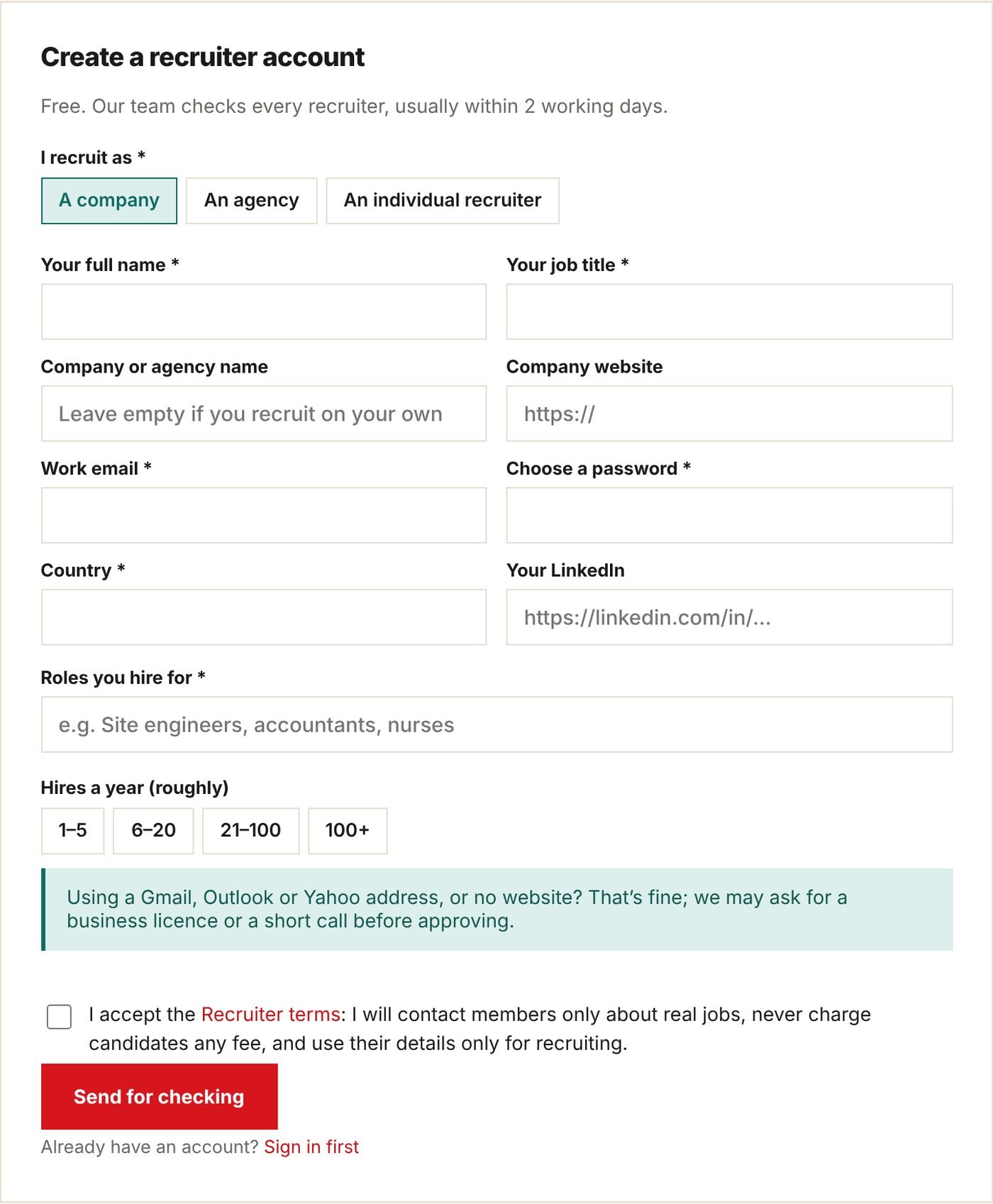
Gmail, Outlook or Yahoo address, or no website? That’s fine. We may ask for a business licence, an offer letter template or a short call before approving. A work email on your company’s own website is the fastest way through.
Already a member? Sign in first and the form uses your account. New here? The form creates your account at the same time; confirm your email with the code we send.
2While we check you
Our team checks every recruiter, usually within 2 working days. The Employers page shows your status:
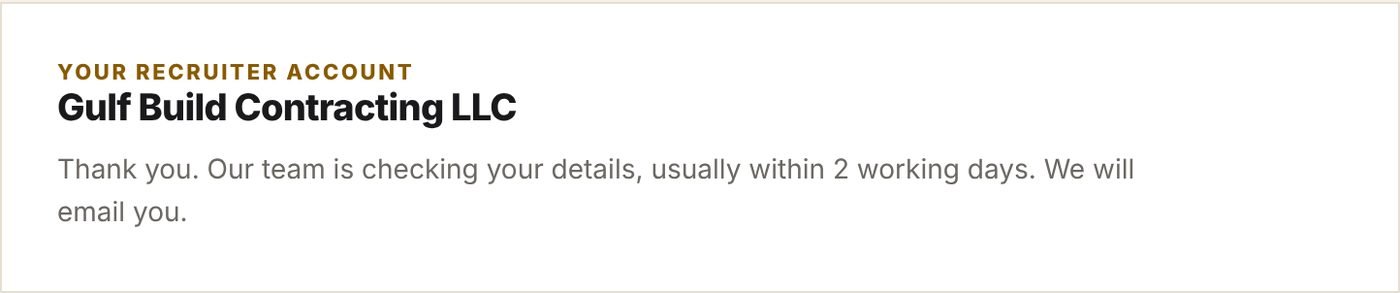
- You can already search members and read their profiles.
- You can’t contact anyone yet. Profiles show “Our team is checking your recruiter account.”
- If we need more, we email you and say what to send. Reply to that email.
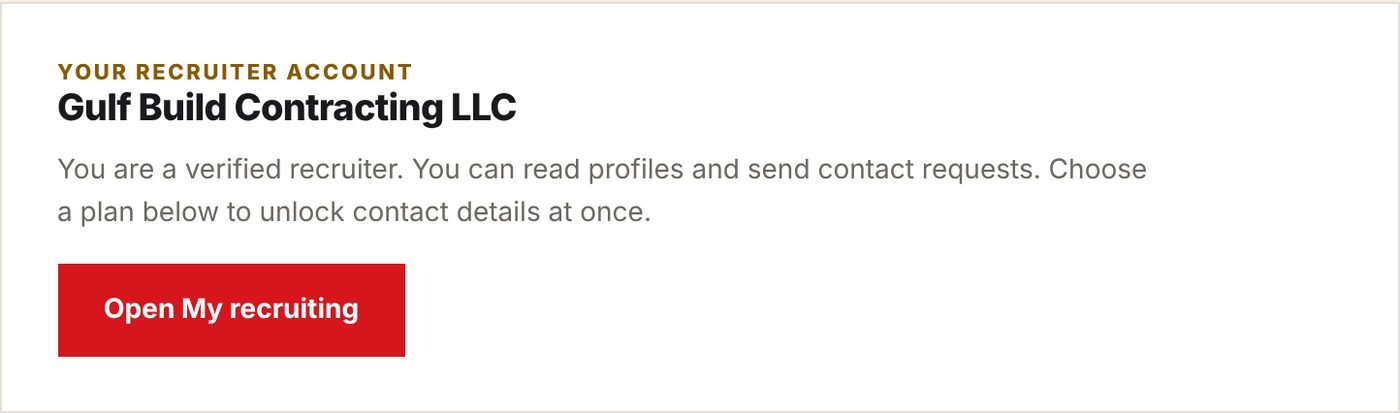
Once approved, we email you and the page changes to:
To change your company name or website after approval, contact us. Our team checks changes too.
3Find people
- Search members by skill, location and experience from Search members on My recruiting.
- Open a profile to read their headline, experience and skills.
- Click Shortlist on a profile or search result to keep it for later. My shortlist is on My recruiting.
A profile shows you, on the right, what you can do with this member right now: send a request, reveal their details, or why you can’t.
4Send a contact request
On a member’s profile, open Send … a contact request:
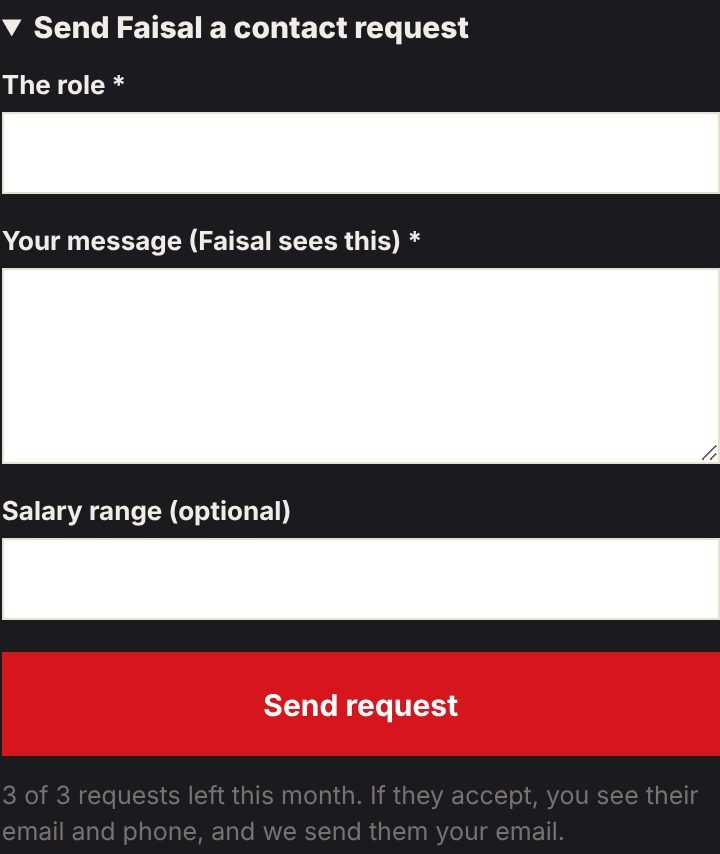
- The role: the job title, for example “Site Engineer – residential towers”.
- Your message: what the job is, where, and why this person fits. At least 20 characters; the member reads it before deciding.
- Salary range (optional, but members answer more often when they see it).
- Click Send request. We email the member; the profile now shows Request sent.
- Free verified accounts have 3 requests a month. They reset on the 1st.
- One request per member. If they decline, please respect it.
- Phone numbers, emails and links you type in a message are hidden. Your details are shared only when the member accepts.
- A request with no answer after 14 days closes by itself and no longer counts. You can also Cancel a waiting request on My recruiting to get it back.
5When the member answers
We email you either way. On My recruiting each request shows Waiting, Accepted, Declined or No answer:
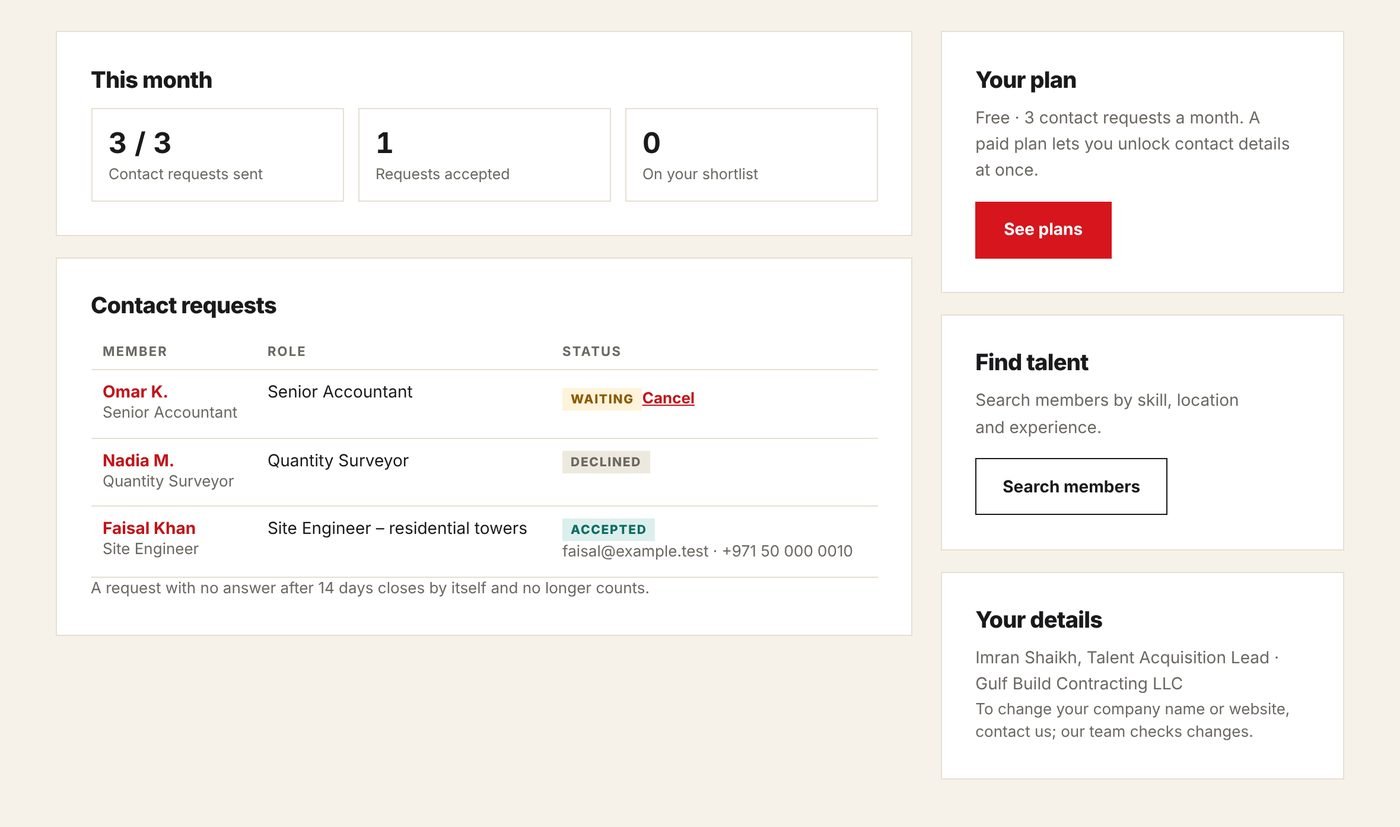
- Accepted: you see their email and phone on My recruiting and on their profile, and we send them your email. Get in touch soon.
- Declined: the member said no. You can’t send them another request.
6Paid plans
A paid plan gives you time-limited access with instant contact unlocks: click Reveal contact details on a profile and you see their email and phone at once. The member is told who unlocked them.
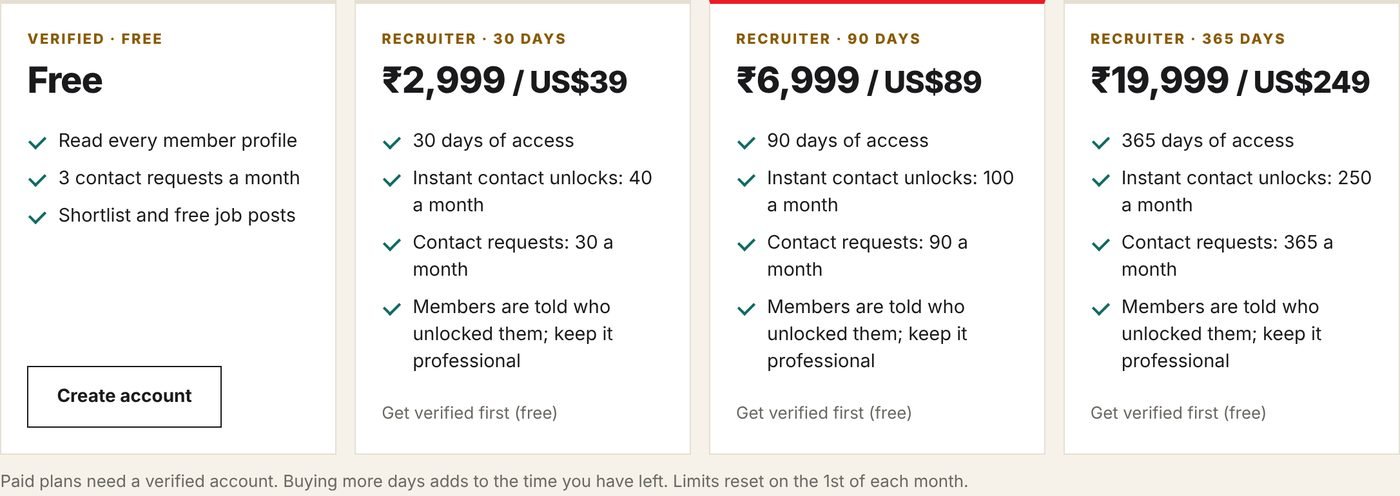
- Plans run for 30, 90 or 365 days. Buying more days adds to the time you have left.
- Each plan gives a number of unlocks a month and contact requests a month. Both reset on the 1st.
- Some members choose “Ask me first”. For them, even paid recruiters send a request; your plan gives you more requests for this.
- Used all your unlocks this month? You can still send requests while you have some left.
- Paid plans need a verified account. In India you pay in rupees (Razorpay); elsewhere in US dollars (PayPal).
7When you can’t contact someone
| The profile says | What it means |
|---|---|
| This member is not open to recruiter contact | They have hidden their profile from your company, or chosen not to be contacted by recruiters. |
| Request declined | They said no. Please respect their choice. |
| Monthly reveals used / no requests left | You have used this month’s limit. It resets on the 1st, or choose a bigger plan. |
| Contacting members opens soon | We are still preparing the launch. You can register and get verified now. |
| Your recruiter account is blocked | See the next section. |
8Rules, reports and blocking
By registering you accept the Recruiter terms. In short:
- No fees from candidates, ever: no visa, training, “processing” or placement fees.
- Real jobs only. No bulk, copy-paste or unrelated messages.
- Use member details only to recruit for the role you named, and delete them when you are done.
Every member can report a recruiter from their requests. Our team reads every report. If several members report the same recruiter, the account is blocked automatically until we have looked. Our team can also block an account at any time.
While blocked, you can’t see members’ contact details, send requests or unlock anyone, and waiting requests are cancelled. We email you the reason. If you think it is a mistake, reply to that email.
9Questions
- Is Kokani Connect a recruitment agency?
- No. We are a community platform. You hire directly and are responsible for your own offers, visas and contracts.
- Can several people at my company use one account?
- Each recruiter should have their own account, so members know who contacted them.
- Can I post jobs?
- Yes. Job posts are free, and members apply with their profile.
- Do unused requests or unlocks carry over?
- No. Limits reset on the 1st of each month.
- How do I stop?
- Let your plan run out, or contact us to close your recruiter account. See the Privacy policy for what we keep.
Questions? Email info@kokaniconnect.com. We reply within 2 working days.